What OpenRouter does, and a disclosure
OpenRouter is a hosted router: you buy credits, call one endpoint with an OpenAI-style request, and choose a model by name. It forwards the request to a provider that serves that model and can fall back to another provider when one fails. The attraction is breadth, one bill and one integration for many model families.
A disclosure before the comparison: Jev API Pro itself sends classification requests to models through OpenRouter, as our security page states. We are not neutral about routers, but we have no reason to hide their trade-offs either, and the right choice depends on what you are building. The criteria below are the ones we would use.
Six questions that decide the shortlist
Who holds the provider keys and the bill: the router, or you? Where does request data travel, and which retention terms apply at each hop? Do you need models from several providers in production, or one model you already trust? How are failures handled: automatic fallback, your own retry, or neither? What do you need to see afterwards: per-request logs, cost per user, latency by provider? And do you need a general text generation API at all, or one specific decision such as choosing a label?
Write your answers down before comparing products. Most teams discover that one or two answers rule out whole categories, and the remaining choice is between two or three concrete tools.
Direct provider APIs
Calling OpenAI, Anthropic or Google directly removes a hop and gives you new features as soon as the provider ships them, such as the newest structured output options. Data terms are the provider’s own, which simplifies a privacy review. The cost is integration work per provider: separate keys, separate billing, different request formats and different error behaviour. If one model covers your use case, this is often the simplest and most controllable option.
Self-hosted and managed gateways
LiteLLM is an open-source Python SDK and proxy server that exposes an OpenAI-format API over many providers. You run it yourself with your own provider keys, and it adds virtual keys, spending limits, fallbacks and logging. It suits teams that want router behaviour without a third party in the data path, and that can operate one more service.
Managed gateways sit between your code and the providers you already pay for. Portkey adds routing, fallbacks, caching, guardrails and request observability, and publishes its gateway core as open source. Cloudflare AI Gateway proxies requests to supported providers with caching, rate limiting, analytics and logs, and is convenient if your application already runs on Cloudflare. Hosted routers such as Requesty compete more directly with OpenRouter on model catalogue and unified billing. Compare them on data retention, supported providers and how they bill, because those differ more than their feature lists suggest.
Hosts for open-weight models
If the models you want are open-weight families such as Llama, Qwen, DeepSeek or Mistral, inference providers like Together AI, DeepInfra, Fireworks AI and Groq serve them behind OpenAI-compatible endpoints, usually with per-token pricing and sometimes dedicated capacity. Latency and price vary by model and provider, so benchmark the exact model you plan to use with your own prompts. You can also combine categories: a gateway in front of one or two of these hosts is a common production setup.
A switching checklist
Before moving traffic, list every model name your code sends and confirm the new path serves the same model, not only the same family; versions and context limits differ. Check that the request features you rely on, such as tool calling, JSON Schema output, streaming or image input, behave the same way, because OpenAI compatibility rarely covers every field.
Run the old and new paths side by side on a fixed sample for a few days and compare answers, latency and cost per request. Keep the old path configured as a fallback until the new one has handled a normal week of traffic, and make sure your logs record which path produced each answer.
When you need a decision, not a model router
Many searches for a router start from a narrow job: sort support tickets, tag feedback, qualify leads, flag content for review. For that job the router is only plumbing; you still write the prompt, the output schema, the parser, the confidence rule and the review queue. A task-level API removes that layer. Jev API Pro takes your text, instructions and allowed labels, and returns one of those labels with a confidence value when the model supplies one, plus a review flag under your threshold. It is not a general gateway and does not replace one for chat or generation.
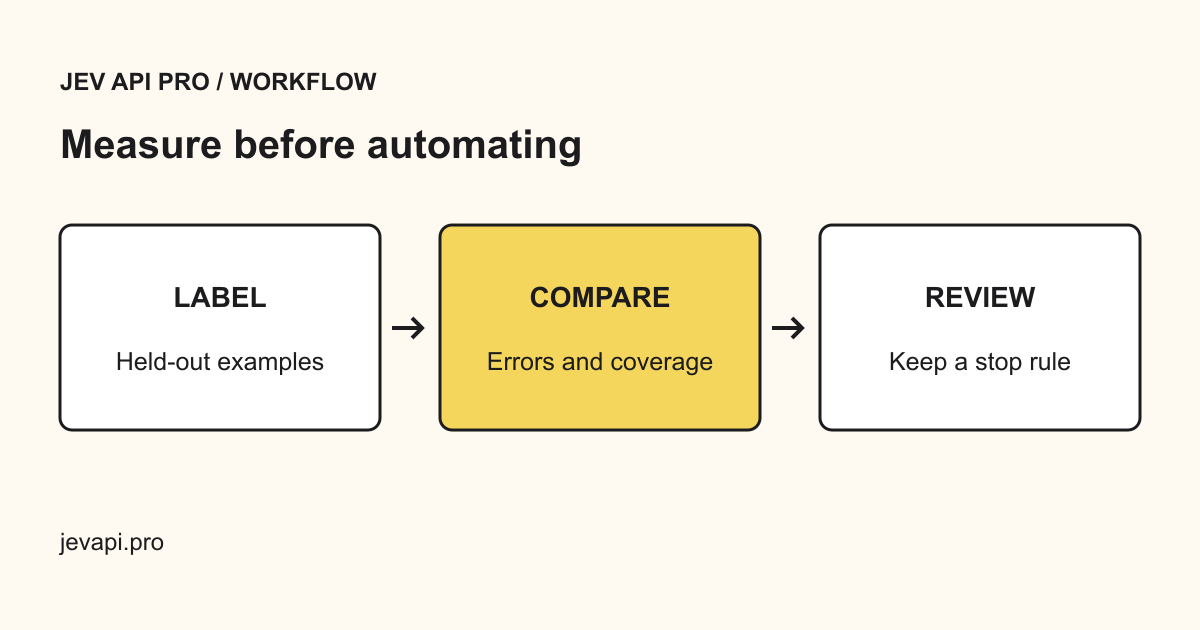
A sensible test is to take 100 real examples, run them through the path you are considering, and compare accuracy on the labels that matter, time to integrate, and cost per decision. The playground runs a single example without an account, and batch classification handles a whole file.
Try a decision in the playground · Choosing between models and paths