Connect the tool before relying on the instruction
Configure the MCP endpoint and your personal workspace key first. Confirm that tools/list exposes the six documented tools. A Skill cannot supply a missing connection, create credentials or make a call just because the file was opened.
If a tool is unavailable, say that the check was not run. Do not invent a successful decision or present the Skill text as verification.
Install and review the public files
The links below serve public Markdown. Read the instructions before installing them. Download the files into the skills directory your agent actually uses; the example uses .agents/skills. Rerun after a deliberate update if you want the latest version.
Keep JEV_API_KEY in the client’s credential settings, never in these files. Downloading requires no login and consumes no decision credits.
for skill in jev jev-tool-guard jev-model-router jev-task-router jev-research-guard jev-completion-review; do
  mkdir -p ".agents/skills/$skill"
  curl --fail --silent --show-error "https://jevapi.pro/skills/$skill/SKILL.md" \
    -o ".agents/skills/$skill/SKILL.md" || break
done
Pick the matching boundary
The router Skill selects a matching workflow; it does not need to call every tool. Tool guard precedes a consequential action, model route compares available candidates, and task route chooses how to continue. Research review assesses a supplied claim and completion review checks supplied acceptance evidence.
One successful new model request uses one workspace credit. The exact tool schema is returned by tools/list; every call needs a stable request_id for safe retries.
jev_guard_tool_call → allow | confirm | review | deny
jev_route_model → one supplied candidate id
jev_route_task → proceed_fast | deep_review | split_task | block
jev_check_research → accept | verify_more | reject
jev_review_completion → complete | verify_more | incomplete
jev_decide → your choice, noul or score questions
Keep permissions and evidence outside the model
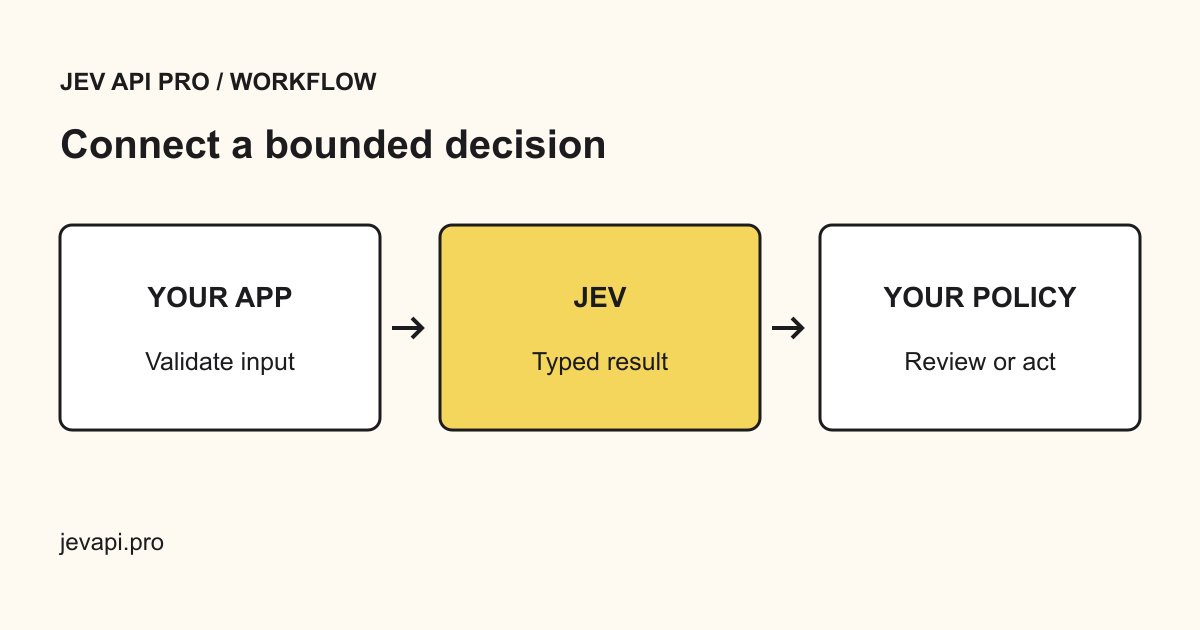
The returned choice and probabilities are signals, not permission. Follow existing user authorization, platform restrictions and any applicable requirement for fresh confirmation. An allow result cannot remove those obligations; review means inspect missing evidence, not silently proceed.
Do not send credentials or unrelated private information. If material facts change, evaluate again with a new request identifier. Completion review cannot replace the tests and actual user-flow checks your task requires.