Try a concrete feedback rule
For “The CSV export works well, but I need a date filter,” decide whether you need the feedback type or the product area. Type labels could be feature request, bug report, praise and other. Product-area labels could be reporting, integrations, pricing and other. These are separate questions; mixing them into one list makes the result hard to compare.
The playground link loads a feedback-type example. To measure product themes, replace its labels with your product-area taxonomy and update the instruction. Keep the same rule throughout a batch so exported rows remain comparable. The example below is an input, not an observed model result.
{
  "text": "The CSV export works well, but I need a date filter.",
  "instructions": "Choose the product area affected by the requested change. Use other when no listed area fits.",
  "labels": [
    "reporting",
    "integrations",
    "pricing",
    "other"
  ],
  "threshold": 0.9
}
Handle mixed feedback and report the denominator
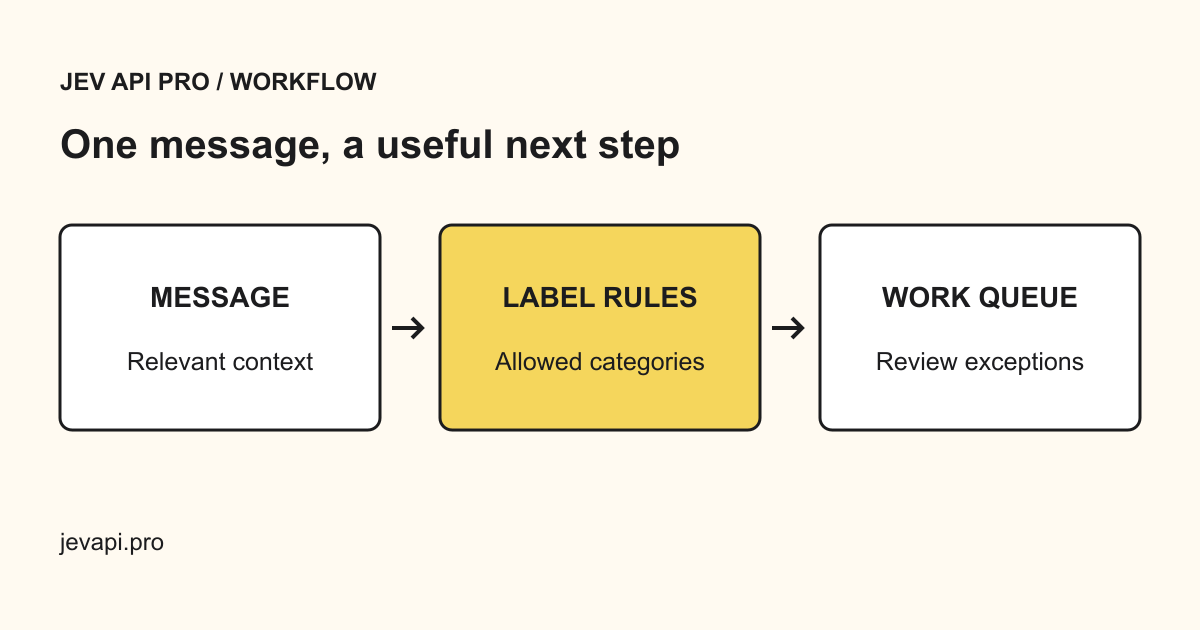
A message can praise one feature and report a bug in another. For a single primary tag, define which need takes priority; for independent themes, use separate typed questions. Send ambiguous rows to review instead of forcing them into the most popular label.
When reporting “30% mention reporting,” state the time window, number of distinct records and how duplicates and mixed comments were counted. Tag frequency is evidence about your sample, not a promise of revenue. Pair it with conversations about the specific problem before changing the roadmap.
Build a useful taxonomy
Choose themes that help a decision: onboarding, reliability, integrations, pricing, reporting, and other. Keep a short definition for each tag. A broad taxonomy is easier to label consistently than dozens of overlapping feature names.
Keep the original context in your own system
Jev API Pro does not retain the submitted message in decision history. Keep the original feedback and its source in your own customer system if you need to investigate a result. The exported classification should be linked using your own row identifier.
Separate frequency from importance
A frequently mentioned request is not automatically the highest-value roadmap item. Combine the tags with your own account context, business priorities, and customer interviews. Inspect a sample in every theme and revisit the taxonomy as the product changes.