Start with ownership, not sentiment
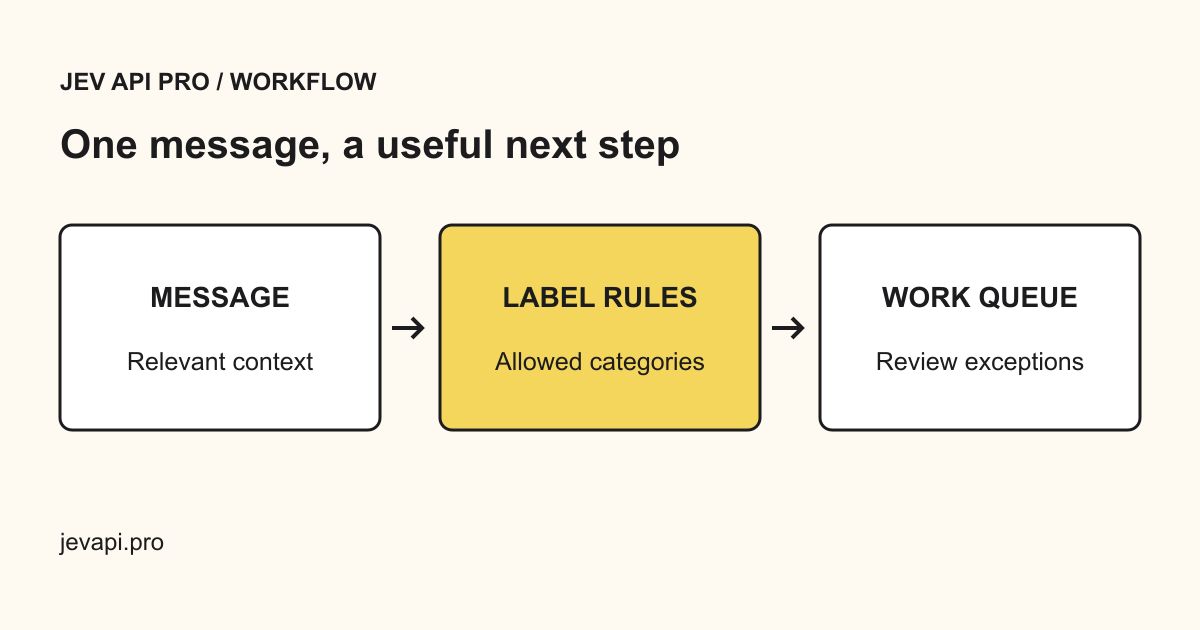
A frustrated customer can still have a straightforward billing question. Define categories around who can resolve the issue: billing, technical support, account access, product feedback, and other. Sentiment belongs in a separate decision when it changes how you respond.
Paste a representative ticket into the playground. Include the product context the model needs, but remove passwords, payment information, and unnecessary personal details.
Make uncertain tickets visible
Use a confidence threshold to separate a suggested destination from an automatic route. A result below your threshold should go to a person, not silently fall into the first category. Missing confidence also triggers review.
Test short messages, mixed issues, unusual language, and empty context before connecting this to a helpdesk. Measure the percentage assigned to the correct owner using a held-out set of tickets your team has labeled.
Integrate one safe step at a time
Begin by writing a suggested category into a field. Compare it with the agent’s final selection. Only automate assignment after the error rate is acceptable for each queue. Jev API Pro returns a decision; it does not send replies or close tickets on your behalf.